
Google
UX lead, 2SV and device-based authentication 2020–2024 releases
2-Step Verification
The challenge wasn't simply getting people to enable two-step verification. It was helping them reach protection without asking them to understand every possible configuration.
I redesigned enrollment around supported second-step methods and helped shape automatic enrollment, including advance notice, opt-out choices, and staged evaluation.
The starting point
Don't make people take the wrong first step
Someone who wanted to use Authenticator first had to enable 2SV with a phone number. The sequence made them configure one method to reach another. Adding more explanations and settings would not remove that underlying requirement.
An extra sign-in step adds effort, but lockout or account theft can remove access altogether. I judged the path against both risks: could we protect the account, and could its owner still get in?
What to simplify
Support a useful path now. Expand it deliberately
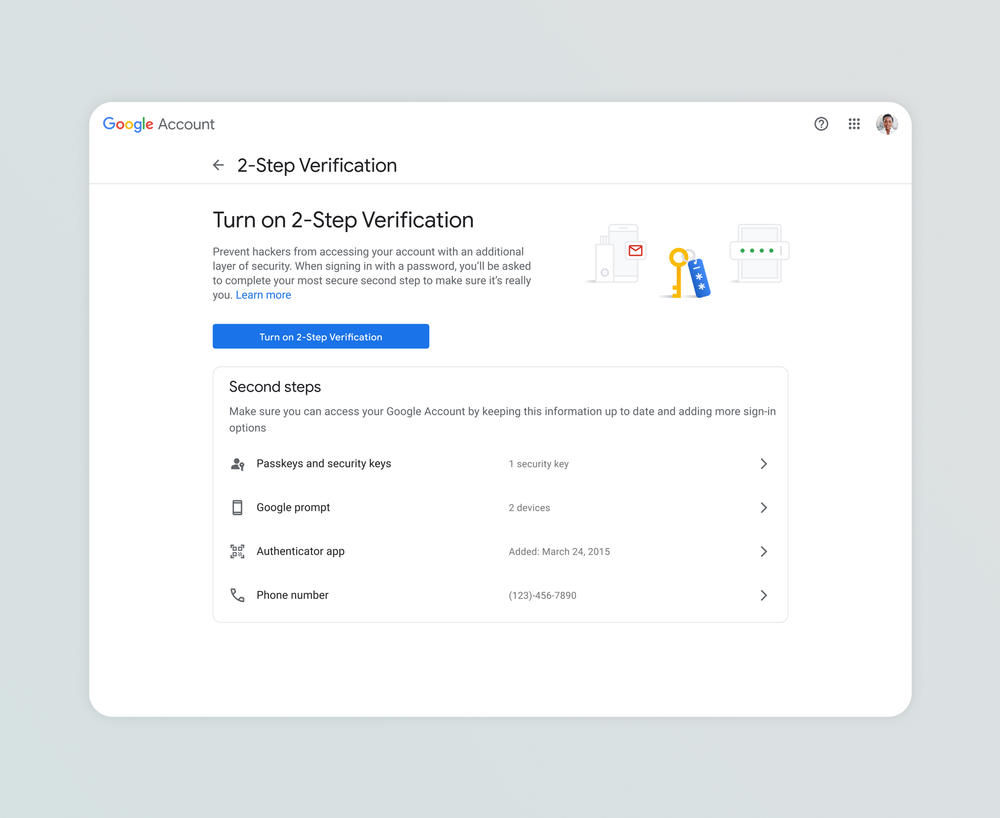
I led the redesign to separate method setup from activation. People could configure Authenticator or a hardware security key before turning on 2SV; SMS stayed available without being the prerequisite. Accounts with a supported method already configured could reach activation without repeating that setup.
The disagreement was how much education and configuration to include. I argued against holding protection back for combinations we could not yet support. We could improve safety with the methods available now while working toward a longer-term experience less dependent on a particular device. Google's May 2024 release documents the changed setup sequence.
Policy to experience
Let people start with a method they can use
Choose an available method
Authenticator and hardware security keys can be configured before enabling 2SV.
Set up the method
Complete the selected method's setup in the account experience.
Enable 2-Step Verification
Turn on protection with the configured method available.
Automatic enrollment
Start with accounts prepared for the change
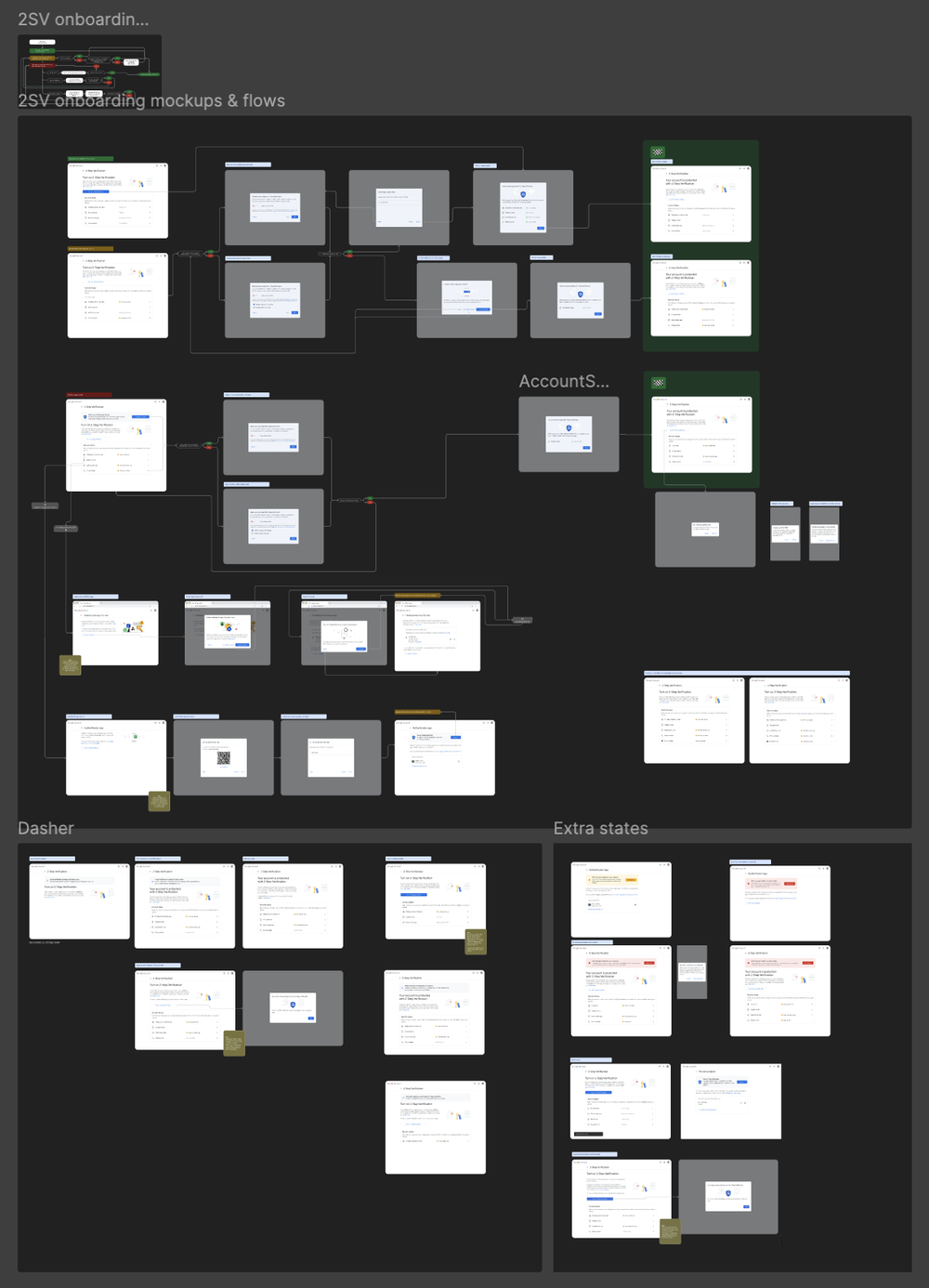
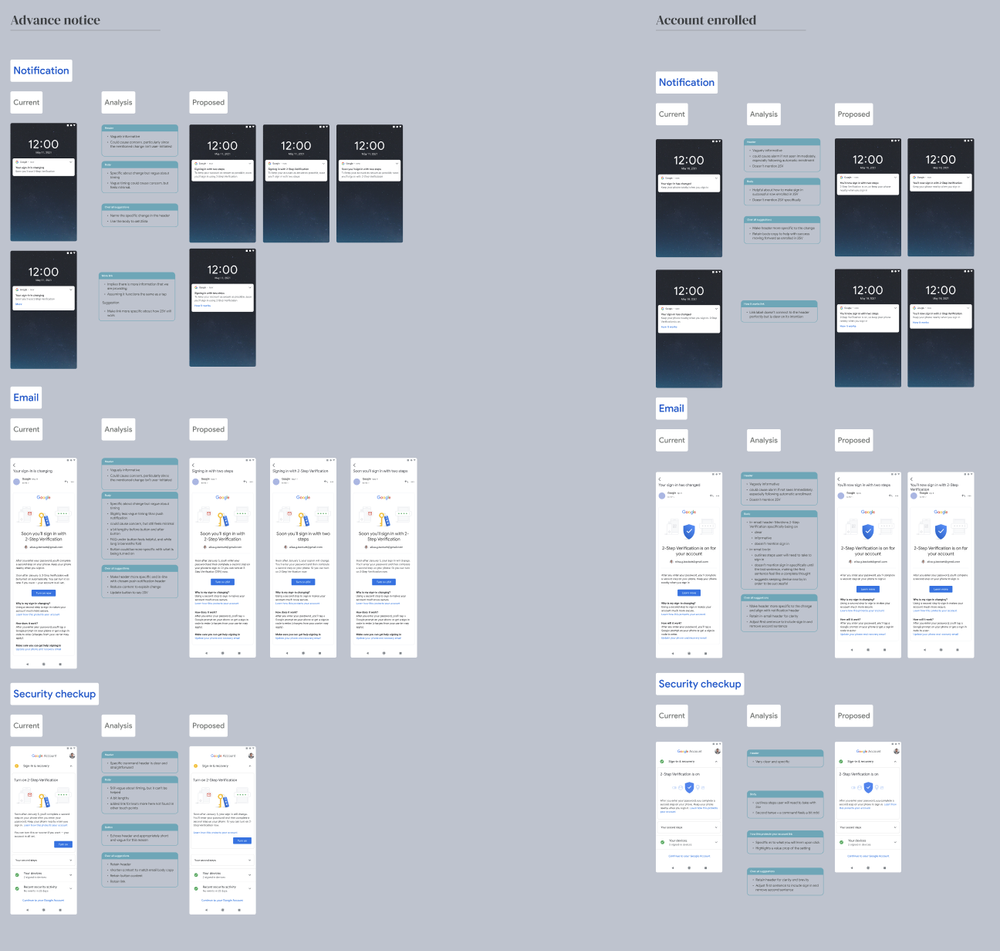
Automatic enrollment was a separate way to reach protection. I shaped advance notice, opt-out choices, and communication through existing notifications and email. Google's 2021 rollout announcement described selecting accounts with suitable backup mechanisms already in place.
We enrolled a segment, reviewed successful sign-ins, lockouts, and friction, then refined selection and the experience before expanding. Staging let us assess whether people could actually use their protected accounts. A higher enrollment count alone could not answer that question.
Automatic enrollment in practice
Enroll Learn Adjust Expand
- 01
Set the criteria
Define which accounts are ready for 2SV and what they need to keep access.
- 02
Choose eligible accounts
Use account signals and heuristics to decide who is ready to enroll.
- 03
Enroll a segment
Start with a group of eligible accounts and explain what is changing.
- 04
Check the experience
Look at successful sign-ins, lockouts, and the friction people encounter.
- 05
Adjust the approach
Refine selection and the experience based on what the results reveal.
- 06
Repeat, then scale
Return to the criteria and test the next segment. Expand as the system proves reliable.
Outcome
Two routes to broader protection
The enrollment work made supported methods easier to set up and activate. Automatic enrollment extended protection to prepared accounts without asking everyone to initiate setup. My contribution covered these experiences and their communication.
The figures below are Google's February 2022 automatic-enrollment results. They describe the whole program and predate the May 2024 setup change.
Google-reported program outcomes · February 2022
- Decrease in compromised accounts among the automatically enrolled group
- 50%
- People automatically enrolled, reported by Google in February 2022
- 150M+
Dated program-level results from Google's February 2022 report.
Public record