
FIDO Alliance
Chair, UX Working Group Member since 2022 · Chair since 2024
FIDO Alliance
Passkeys needed to make sense across products designed by different companies. As Chair of FIDO's UX Working Group, I organize specialist workstreams and help turn their contributions into shared UX guidance.
The Passkey Rubric makes that work concrete: a shared framework for evaluating the experience, supported by research, design guidance, and reusable platform resources.
The FIDO Passkey Rubric Published 2026
A shared bar for better passkeys
Supporting passkeys is only the start. People need to recognize them, know what to expect, and have a way back in when something goes wrong. The FIDO UX Working Group, which I chair, created the Passkey Rubric to help teams evaluate that whole experience, from first use to account recovery.
A shared quality bar makes alignment actionable. The rubric brings cross-company expertise into a common reference for product, design, engineering, and security. It gives teams a basis for deciding what is ready to launch and what needs more work, beyond the preferences of any one company or discipline.
- Functional baseline
Bronze
- Visible fallback routes
- Multiple passkeys
- Clear management
- Recommended launch
Silver
- Autofill and discovery
- Helpful error handling
- Accessible flows
- Automate and maintain
Gold
- Automatic upgrades
- Notify after creation
- Keep credentials in sync
- Whole-account security
Platinum
- Retire phishable factors
- Strong account recovery
- Align across domains
The details make that alignment useful: keeping another way in visible after a cancelled prompt, explaining an automatic passkey upgrade, and preserving keyboard focus. These are the moments where a technically correct implementation can still let someone down.
For me, the leadership value is turning collective expertise into decisions other teams can make without needing the authors in the room. The result is a public framework that can travel beyond our own products, while leaving teams room to meet their users' needs and security requirements.
Explore the FIDO Passkey Rubric
The shared problem
Agree on the decisions, not identical screens
Companies bring different product requirements, terminology, and security policies. Shared guidance needed to address recurring UX questions without prescribing one interface for every service.
I focused the work on those questions: what a prompt needs to explain, when to offer creation, and what happens when a passkey is unavailable.
How I organized the work
Give specialists a defined contribution to own

I established specialist workstreams, guided the research agenda, and connected related efforts. For Passkey Central, visual-design contributors shaped the presentation; content and accessibility specialists owned their respective contributions to the published resource.
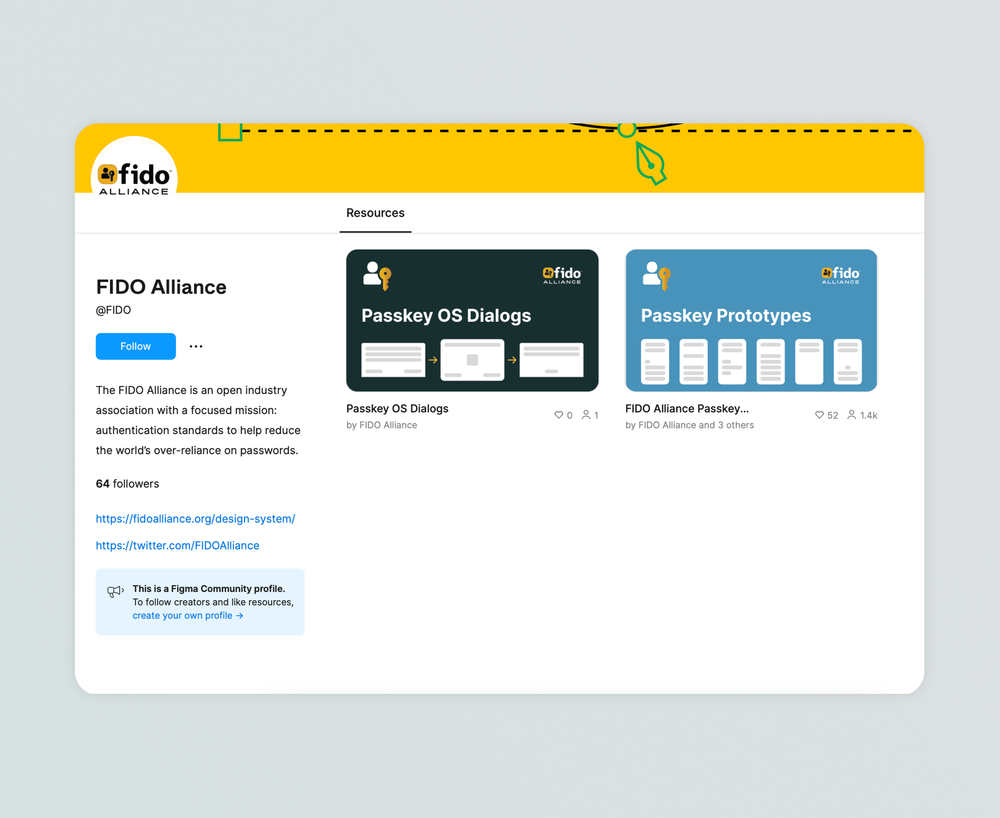
That work served different needs: design guidelines for people building the flows, and Passkey Central for teams planning and deploying passkeys. The Figma resources below add operating-system dialogs and prototypes contributed across the group, including the teams designing those platforms.
A recommendation teams can apply
Prefer autofill. Preserve another way in
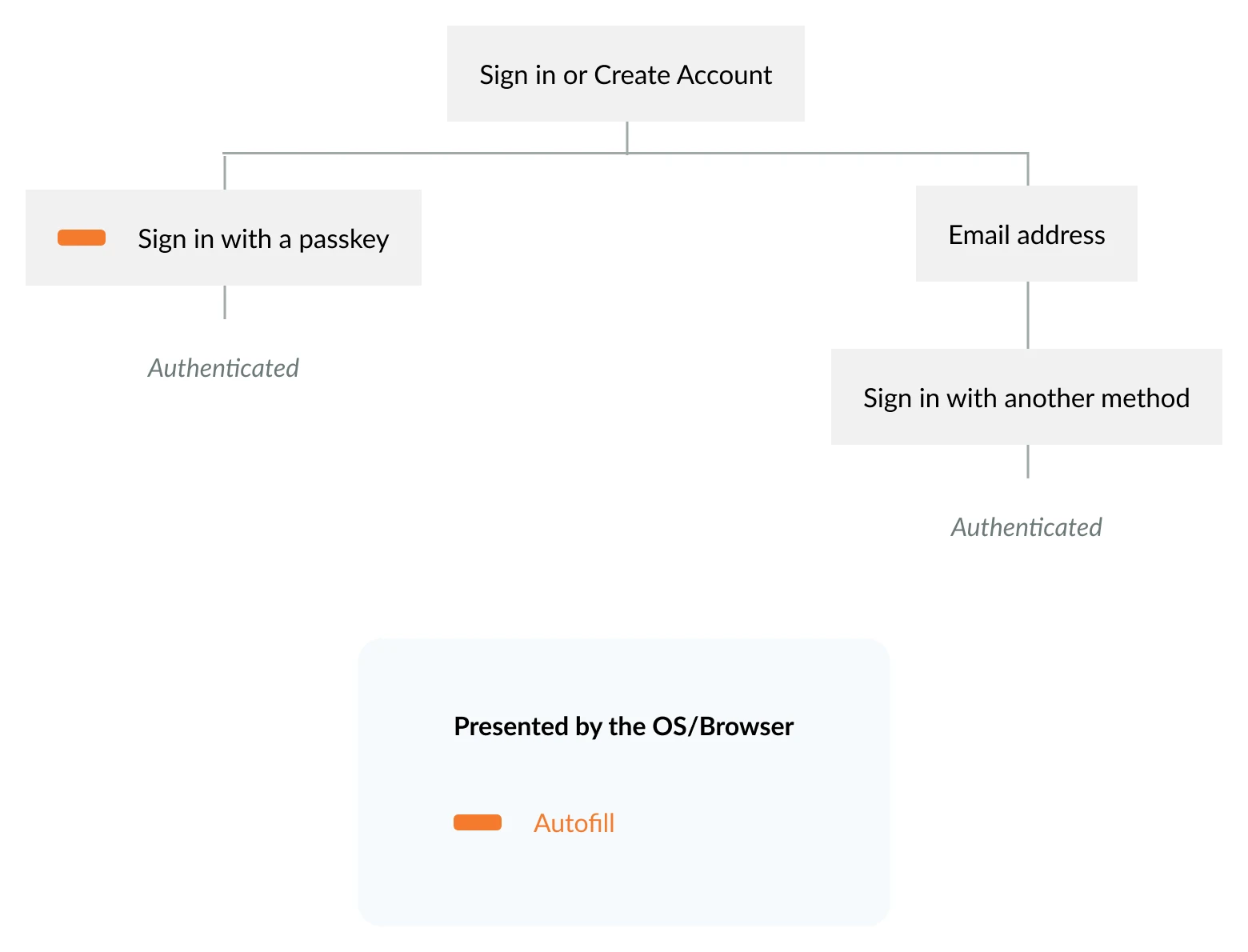
FIDO's published research compared a dedicated link, buttons, and autofill. Autofill produced the strongest sign-in success in those tests. Some participants did not remember creating a passkey and did not look for a dedicated button.
The resulting guidance gives teams a concrete choice: offer autofill and retain another route when it is unavailable. It also describes contexts where a dedicated button can help. This is the group's research and recommendation; my role was setting direction and organizing contributions, not sole authorship of the pattern.
The shared output
Take a pattern into the team's own product
The published guidance puts the recommendation, research rationale, example copy, and platform prototypes together. Teams can examine the flow and adapt the editable resources to their own requirements, rather than reconstructing every system dialog and decision from scratch.
Real-world identity
Make proving who you are easier to understand
I co-founded and co-lead the Digital Credentials UX subgroup within FIDO's UX Working Group, shaping UX direction for how people prove who they are online.
The distinction matters: signing in to an account is not the same as proving something about yourself, such as your age. FIDO's digital-credentials work addresses how those experiences can work together, with privacy and user control at the center.
Explore FIDO's digital-credentials workPublic record